Redstrings 1.1.5: Photo cards
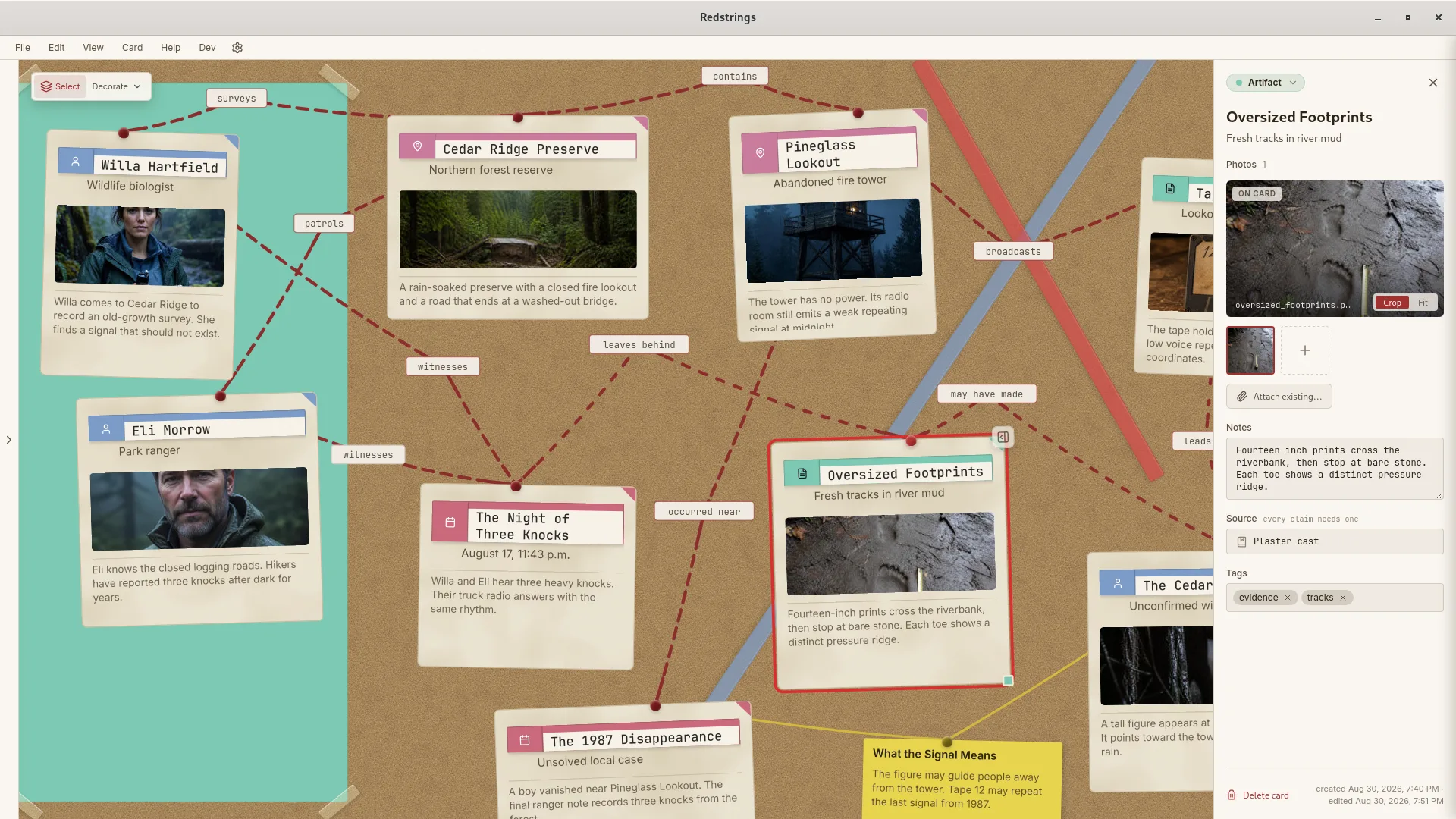
1.1.5 lets a photo carry the card. Choose a large or full photo layout, set a default per card type, and pick the photo from the files already on the card.
- Choose a large or full photo layout for any card, with a default per card type
- Pick the card photo from the thumbnails in the card editor
- Full photo cards keep the aspect ratio of the photo
- The MCP server now runs from the Windows Store install, so supported AI clients can connect on Windows
- Connected agents can set the photo layout and fit of a card
- Cork Board exports render cream paper again instead of black